To correctly view theater screens and play every compatible type of video, these steps need to be followed.
Installation
NOTE: Select the text below and press CTRL+C to copy it. You will need to exit Garry's Mod completely and open your internet browser. Paste the URL into your browser's address bar and press CTRL+V
Prior to any of the steps below, you will need to install Flash for Chromium. It is located here.
Or, you can download version 32 for chromium directly HERE for windows 8/10
Chromium
Chromium Embedded Framework is a replacement for GMOD's outdated Awesomium integrated browser. It is up-to-date with web standards, which allows HD YouTube, greater support for other videos, and better framerates.
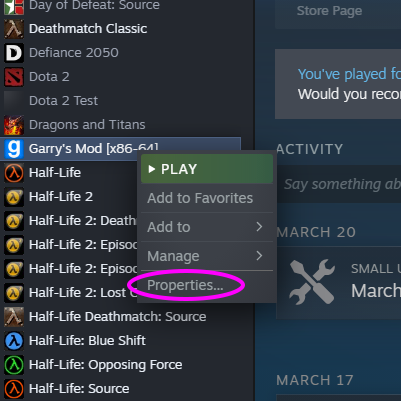
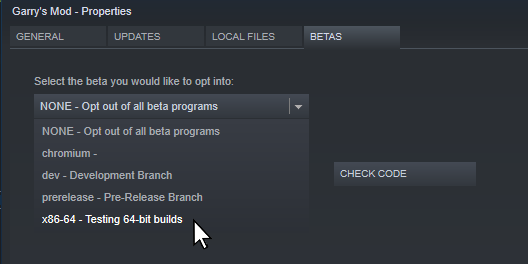
Currently, you must opt-in to run Chromium on GMOD which you can do by:
Right clicking on Garry's Mod in your Steam Library and select "Properties"
In the "Betas" tab, use the dropdown to swith to the "x86-64" branch
Note: Chromium is currently only supported on Windows.
Codecs
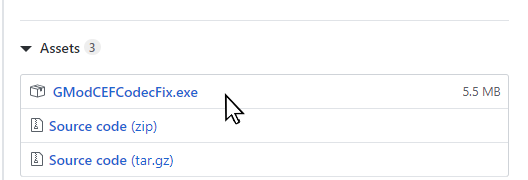
We use a third-party patch to enable certain video codecs in Chromium - which are required for many videos to play correctly. This will only work if you follwed the previous steps.
 Cinema Serene Keks